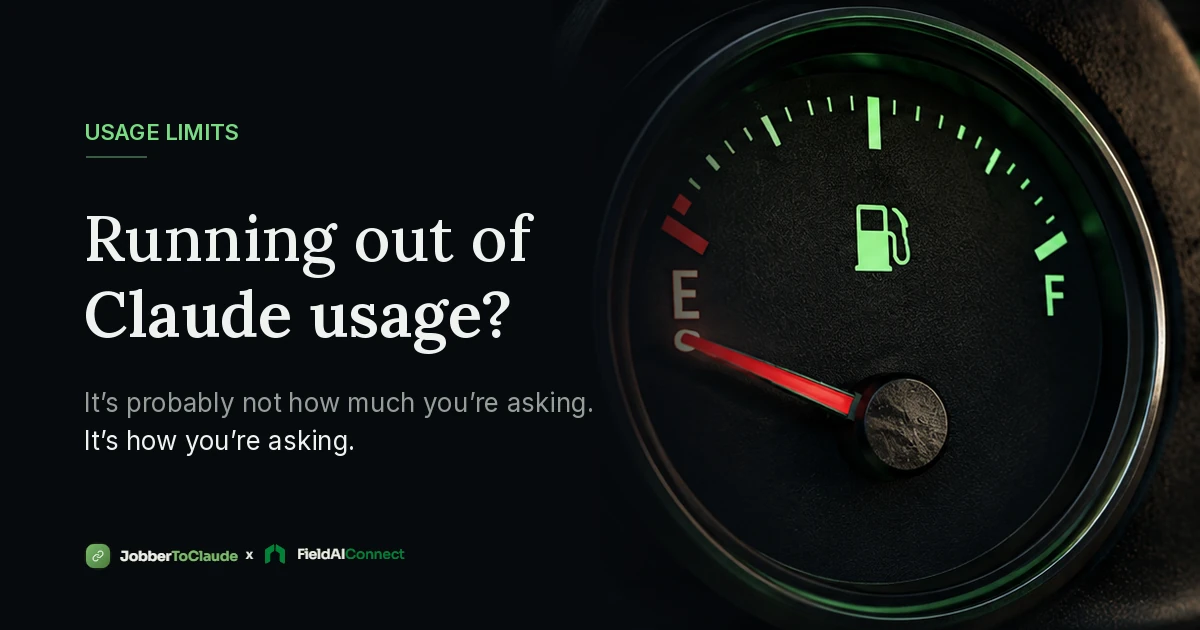
If you use Claude to run your Jobber account, you may have hit the dreaded message: you're out of usage for now, come back later.
Frustrating, especially mid-workday when you just want to get an invoice out.
Here's the good news. Most people who hit their limit aren't asking too much. They're asking in a way that quietly burns through usage way faster than it needs to. A few small habit changes can stretch the same plan a lot further.
And this isn't just a Claude thing. ChatGPT and every other AI assistant works the same way under the hood, so everything below applies no matter which one you're using with Jobber.
To understand the fixes, you need about two minutes of background. No tech degree required.
The 2-Minute Version of How These AI Tools Work
Claude and ChatGPT bill by "tokens," not by messages.
A token is just a small chunk of text, roughly three quarters of a word. Every word you send, and every word the AI reads or writes back, counts. Your plan's usage limit is really a token budget.
So a short question costs a little. A long answer costs more. And here's the part almost nobody knows:
The AI re-reads the entire conversation every single time you send a message.
Claude doesn't "remember" your chat the way a person does. Neither does ChatGPT. Each time you hit send, everything in that conversation gets read again from the top. Your first message, every answer, all of it. And all of that re-reading counts against your usage.
Think of it like a phone call where the other person hangs up after every sentence, and you have to replay the whole call recording before saying the next thing. The longer the call gets, the more expensive each new sentence becomes.
When Claude pulls from your Jobber account, that data joins the conversation too.
When you ask "what's on the schedule Thursday" or "pull up Mike Torres," Claude reaches into Jobber and brings the answer back. That Jobber data now lives in the conversation. Which means it gets re-read on every message after that, forever, until the chat ends.
That's the whole model. Three facts:
- Words cost tokens, in both directions.
- The whole chat gets re-read every message.
- Jobber data you pull in gets re-read too.
Now the fixes make perfect sense.
Fix 1: Start a Fresh Chat for Each Task
This is the single biggest one.
If you keep one giant chat running all week, then by Friday every message you send is dragging Monday's schedule pull, Tuesday's quote drafts, and Wednesday's invoice list along with it. You're paying for the same old data over and over.
Instead, treat chats like work orders. One job, one chat.
- Morning schedule check? New chat.
- Sending quotes after lunch? New chat.
- End-of-week invoicing? New chat.
Once a task is done, that data doesn't need to follow you around. Close it out and start clean. Same work, fraction of the usage.
Fix 2: Ask Specific, Not Broad
"Show me all my clients" pulls your entire client list into the chat. That could be a huge amount of text, and now it's getting re-read on every message after (see fact 2 above).
Compare:
- "Show me everything scheduled this month" (big pull, expensive chat from here on)
- "What's on the schedule Thursday?" (small pull, cheap chat)
You'll almost always get a better answer from the specific question anyway. If you're looking for one client, name them. If you care about one week, ask about that week.
Broad pulls aren't wrong. Sometimes you genuinely need the big picture. Just know that they make everything after them cost more, so save them for when you actually need them, and ideally give them their own chat.
Fix 3: Batch Your Asks Into One Message
This one surprises people. Asking three things in one message is much cheaper than asking three things in three messages.
Why? Fact 2 again. Three separate messages means Claude re-reads the whole conversation three times. One combined message means one read.
So instead of:
"Show me my unapproved quotes."
(wait for answer)
"Which of those clients haven't heard from us in a while?"
(wait for answer)
"Draft a follow-up for the biggest one."
Just say it the way you'd say it to an office manager:
"Show me my unapproved quotes, tell me which of those clients have gone quiet, and draft me a follow-up for the biggest one."
One message. Claude chains the whole thing together behind the scenes. Cheaper, faster, and honestly closer to how you'd talk to a real person anyway.
Fix 4: Don't Re-Ask for Data That's Already in the Chat
If Claude pulled Thursday's schedule two messages ago, it's still in the conversation. You can just say "move the 2 PM to Friday morning" without asking it to pull the schedule again.
Re-requesting data Claude already has means paying for the same Jobber pull twice, plus the re-read tax on both copies.
The simple rule: within one chat, Claude can see everything above. Refer back instead of re-pulling.
What This Looks Like Day to Day
Here's a week that burns through usage:
One never-ending chat. "Show me all my clients." "Now show me everything scheduled this month." Twenty back-and-forth messages, one small question at a time. By Wednesday, every tiny ask is dragging a mountain of old data behind it. Limit hit by Thursday.
Here's the same week, same work, done efficiently:
Fresh chat each morning. "What's my day look like?" Fresh chat for quoting: "Sarah Henderson wants a mulch quote for her front beds, about 8 yards installed, get that over to her." Fresh chat Friday: "Find any completed jobs from this week that haven't been invoiced and get those invoices ready." Specific asks, batched requests, closed out when done.
The second week does just as much. It just doesn't pay the re-read tax all week long.
One More Thing: Your Connector Matters Too
Everything above is about habits. But there's a piece you can't control from the chat window: how much data comes back when the AI reaches into Jobber.
The bridge between Jobber and your AI assistant is called an MCP server. That's the connector that lets Claude (or ChatGPT) actually read your schedule, create quotes, and send invoices. One sentence of jargon and we're done with it. The part that matters is this: not all connectors are built the same.
An MCP server that returns lean, trimmed-down results keeps every conversation lighter, because smaller pulls mean less re-reading on every message after. One that dumps everything, formatted the long way, quietly inflates every chat it touches and eats your usage without you ever seeing why.
That's something we obsess over at JobberToClaude. Every customer gets their own dedicated MCP server, and we tune what it sends back so your conversations stay as light as possible. The habits above stretch your usage. A well-built connector stretches it further.
The Short Version
- Claude and ChatGPT re-read the whole chat every message. Long chats get expensive.
- One task, one chat. Close it when the job's done.
- Ask specific questions, not "show me everything."
- Bundle related asks into one message.
- Don't re-pull data that's already in the chat.
- A well-built MCP server keeps every pull lean so all of the above goes further.
None of this changes what you can do with AI and Jobber. It just means you get to do more of it before the meter runs out.
Frequently Asked Questions
Why do I keep running out of Claude usage?
Usually it is not the number of questions. It is long conversations full of big data pulls. Claude re-reads the entire chat every time you send a message, so old data keeps getting counted against your usage over and over. Shorter, task-focused chats fix most of it.
Do these tips work for ChatGPT too?
Yes. ChatGPT and every other AI assistant works the same way under the hood. Tokens, conversation re-reading, and data pulls all behave the same, so the same habits stretch your usage no matter which assistant you use with Jobber.
Will starting a new chat make Claude forget my business?
No. Your Jobber data lives in Jobber, not in the chat. Every new conversation can pull fresh, current data through the connector. Starting a new chat just clears out old conversation history, not your business information.
Do longer conversations really use more usage?
Yes, and it compounds. Because the whole conversation gets re-read on every message, message 30 in a long chat costs far more than message 3 did, even if you are asking the exact same kind of question.
Does upgrading my plan fix this?
A bigger plan gives you a bigger budget, but the same habits burn through any budget faster than they need to. The habits in this post help on every plan, and they also make your conversations faster.
What is an MCP server?
It is the connector that links your Jobber account to an AI assistant like Claude. It is what lets the assistant read your schedule, create quotes, and send invoices. With JobberToClaude, every customer gets their own dedicated, fully managed MCP server.
See what's hiding in your own Jobber account
We ran this on a real business and found $139K in late jobs and a $25K monthly leak. Start your 7-day free trial and find out what yours is sitting on.
- Your own dedicated MCP server, fully managed
- Secure Jobber login, no passwords stored
- Works for every crew member, no per-seat fees
- Scheduling, quotes, invoicing, clients, and reports by chat
No setup fee and no per-task charges. One predictable subscription, no matter how hard your team uses it.